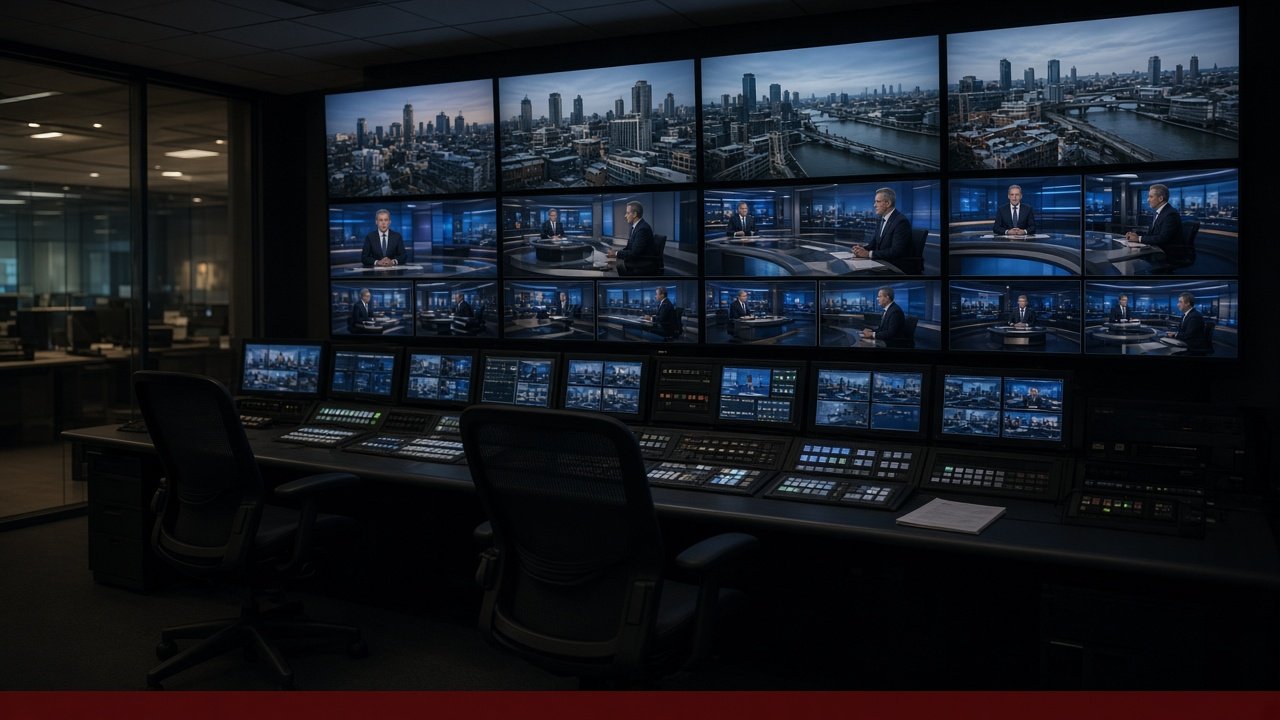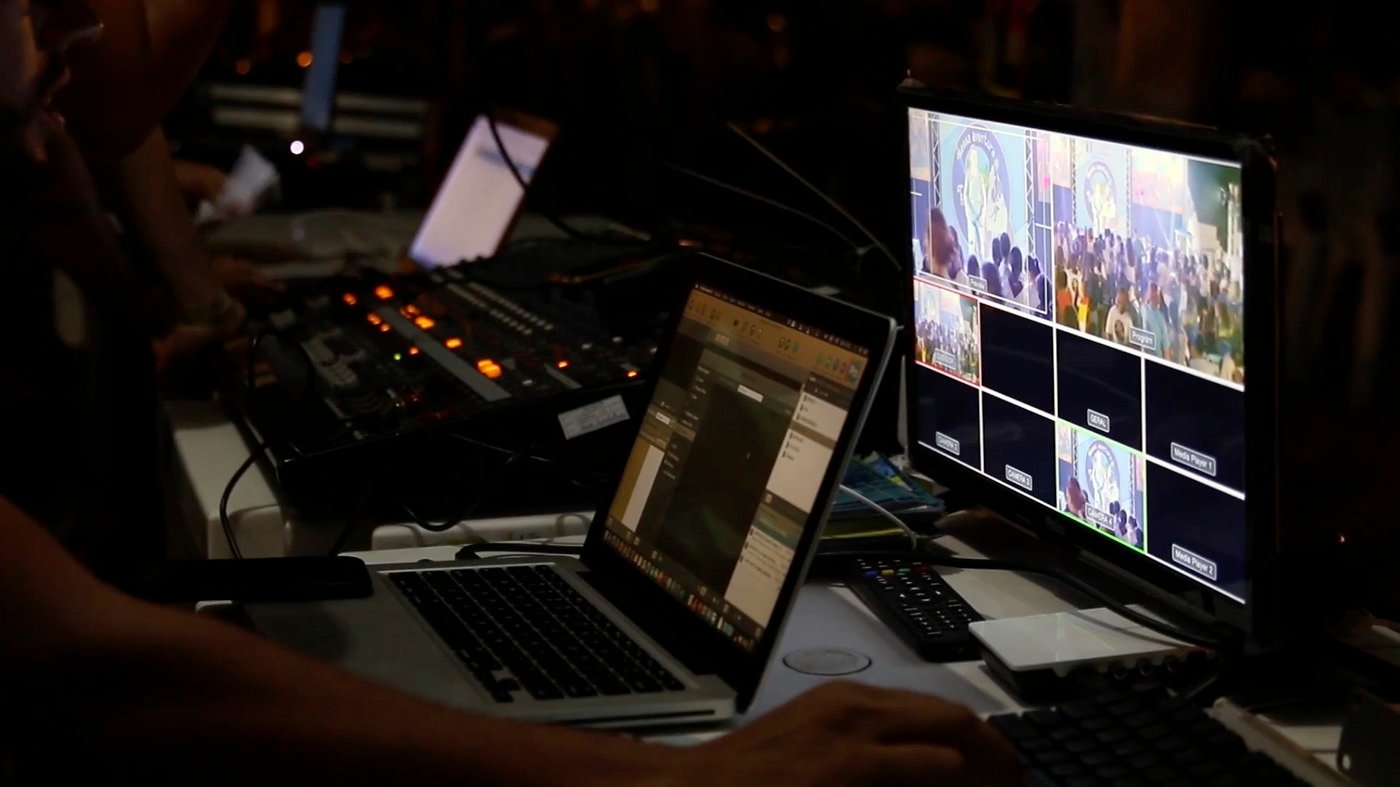
Live Streaming Services
- OBS, vMix and hardware encoders
- RTMP and SRT ingest
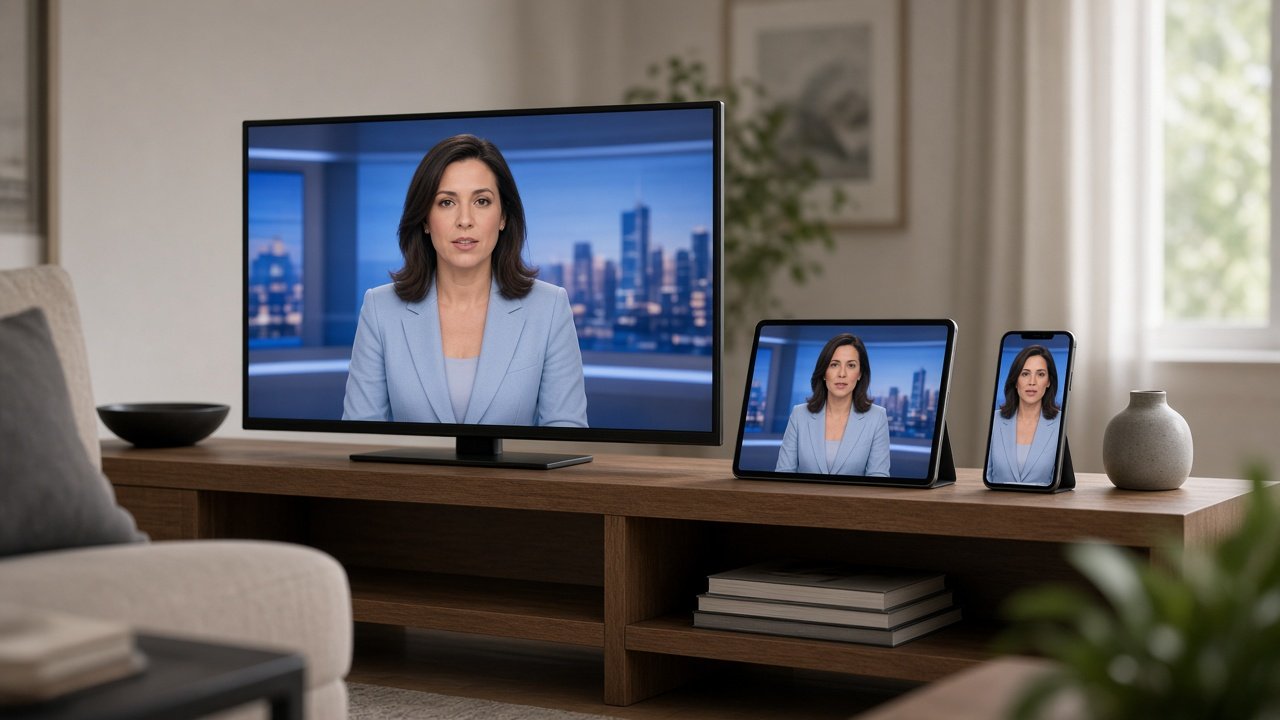
- HLS for websites, apps and IPTV


Stream from OBS/vMix, upload videos for 24x7 cloud playout, or run a live debate from mobile browser with HLS, SRT, RTMP and OTT-ready output delivery.
Create an account, upload a video, apply your logo, and the channel is live.
Email or Google. The dashboard opens the moment you sign in.
Add the programme. The free demo includes one video.
Your channel mark sits on the live picture.
One press. The video loops 24×7. No encoder needed.
Check the live preview, then share the HLS link.
Ticker, breaking, GFX, YouTube Live and Facebook Live unlock.
Our services
From encoder ingest to OTT apps, every layer your channel needs sits in one stack.





Platform
Connect OBS, vMix, hardware encoders, SRT caller and SRT listener.
Output links for apps, websites, IPTV panels and OTT platforms.
Upload videos, build playlists and run a 24x7 cloud TV channel.
Switch to a backup source when the primary feed drops.
Track delivery, contacts and partner distribution status.
Token protected links and stream key regeneration.
Usage, bandwidth, viewers and stream health.
Record the live output as an MP4.

Why Castmax Media
CastmaxCloud is the playout panel and the stream. Castmax Media builds it for channels that need to stay on air.
News automation
Set them in Playout Studio. They stay on the live picture for the whole show.
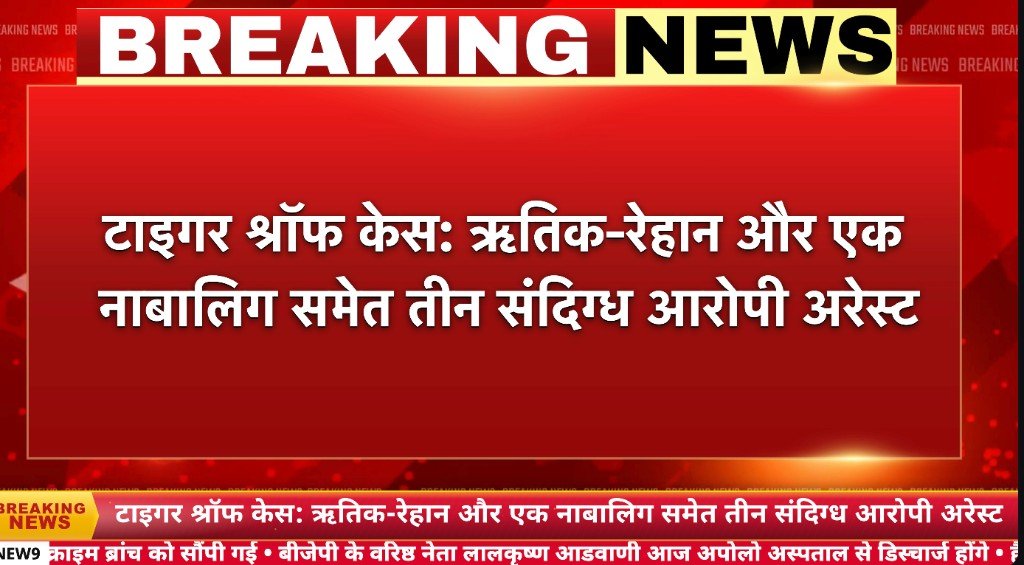
A strap across the middle of the picture. Headlines change on a timer, so the next line is already waiting.


A bar along the bottom of the frame. One headline, then the next, while the shot stays open.
A crawl at the top or the bottom. Hindi or English lines scroll at the speed you set.

Logo, bug and graphics stay on the output. The same picture leaves as HLS, SRT, YouTube and Facebook.
Ad Manager
Approve a company, run a campaign, and serve one ad on the shared live output or through a player that asks Castmax for VAST. If no ad is ready, the programme continues.


Copyright
CastmaxCloud is the playout software and the stream. We do not own the video you put on air, and we do not clear it for you.
Upload and stream only video, audio and graphics you own, or that you have written permission to broadcast.
A channel that uses someone else’s work without rights, or rebroadcasts another feed without permission, can be paused or closed.
Your channel name and your programmes remain yours. The CastmaxCloud software and brand remain ours.
Terms and conditions
Upload a programme, loop it, or schedule a playlist when the encoder is off. A missing ad does not stop the programme.
Playout details
Pricing
Pick the plan that matches your channel count, storage and delivery.

Try CastmaxCloud risk-free. Full refund within 7 days if the platform does not fit your workflow.
₹3,000 50% off
₹1,500
Per month
All services include
₹7,000 30% off
₹4,900
Per month
All services include
₹14,999 20% off
₹11,999
Per month
All services include
₹21,000 20% off
₹16,800
Per month
All services include
Our products


Reviews
Channels running playout and OTT delivery — in their own words.

We retired our local playout PC. Uploads and playlists run from the CastmaxCloud panel — the channel stays on air 24×7.

SRT listeners and partner delivery status sit in one place. Less middleware, a clean feed, and the team can see distribution health at a glance.

Logo and GFX match between preview and live HLS. Branding changes go out smoothly on air.

We push a clean output to YouTube and HLS. The panel is simple enough that a small team can keep the channel on air.

When the primary encoder dropped, backup kept the channel up. Alerts arrived immediately, so the team knew before anything went off-air.

We went from demo to live in a day. Plans are clear, billing is simple, and support actually understands broadcast workflows — not generic SaaS tickets.
Book a demo with RTMP/SRT ingest and cloud playout.
Contact salesFAQs
A panel to run a live channel. Connect an encoder, loop your own videos, or use YouTube, then send the picture out as HLS and to YouTube or Facebook.
No. The panel and the streaming server are CastmaxCloud. You bring an encoder, or videos you upload.
OBS, vMix and other RTMP encoders, plus SRT. Each channel has its own address and stream key, and you can regenerate the key from the panel.
Yes. Upload an MP4 and loop it, or build a playlist of your videos and loop that. A file that is still processing stays out until it is ready.
On plans that include it, a YouTube video, a YouTube live or a YouTube playlist can be the source and is turned into your HLS output.
Channel logo, GFX, on-screen text including Hindi, a breaking-news bar, a sponsor logo, a top or bottom banner, and an L-band. The draft preview and the live HLS use the same look after you save. Overlays can be switched off.
HLS for a website, app or IPTV player, an SRT listener, YouTube Live, and Facebook or another RTMP destination. Outputs follow the plan you buy.
Set a backup video and turn on auto failover. It can take over when the primary feed drops. The panel shows live or offline, the active source, bitrate and FPS.
Open a plan and choose Buy now. Sign in with Google or create an account, apply a coupon if you have one, then pay with Razorpay.
The pricing page shows a 7-day money-back offer. It applies to a plan while that offer is shown there.
Use Get demo or Contact sales. The walkthrough covers encoder ingest and cloud playout.
Hindi, English or Hinglish